Managed security
Managed security is a service where a third party continuously monitors, maintains and responds to security events on a server, instead of a business handling all of it in-house.
What is typically included
A managed security service generally covers continuous monitoring, applying patches on a defined schedule, responding to detected incidents, and periodic configuration review, replacing the need for internal staff to handle all of it directly.
Where it makes the most sense
Businesses without dedicated security or operations staff, or without the time to keep up with patching and monitoring consistently, are the clearest fit, since the cost of a missed update or an unnoticed incident often exceeds the cost of the service itself.
Our managed security vs DIY guide helps you decide what to hand off and what to keep in-house.
Questions to settle before handing over a server
Giving a third party standing access to your server is itself a security decision. CISA's advisory on managed service providers and their customers notes that a compromised provider can become an entry point into many customer environments, and its recommendations translate into a practical list of questions:
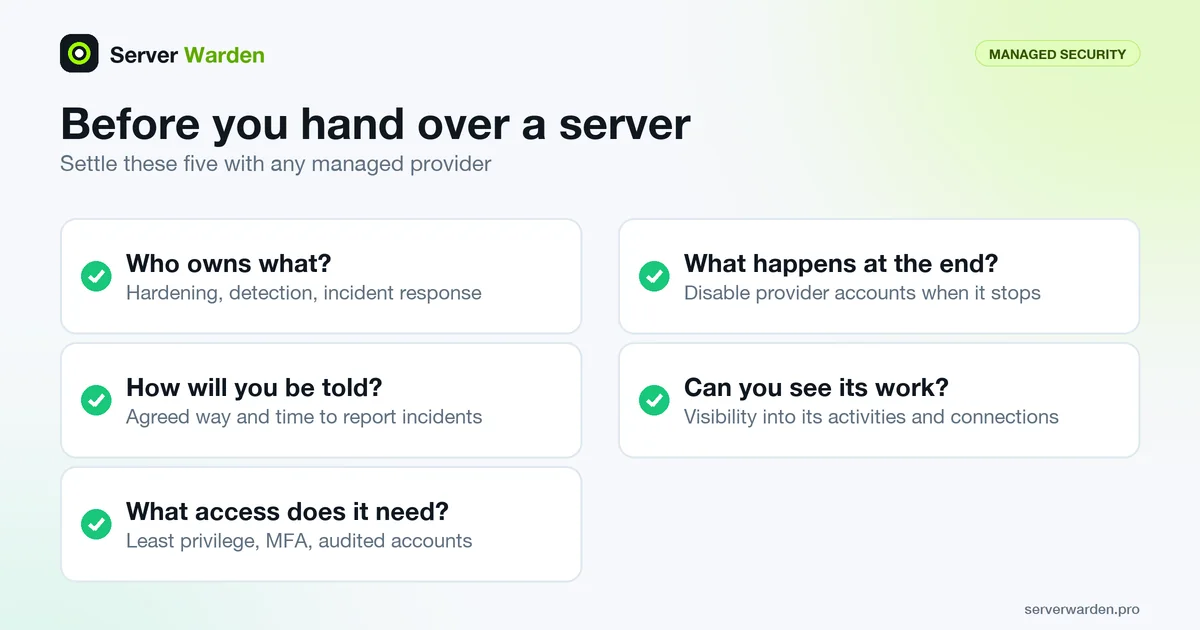
- Who owns what? Agree in writing whether you or the provider is responsible for hardening, detection and incident response on each system.
- How will you be told? Define how and when the provider must notify you of incidents affecting your environment.
- What access does it need? Apply least privilege, require multi-factor authentication on provider accounts, and audit what those accounts do. See the least privilege guide.
- What happens at the end? Disable the provider's accounts as soon as it stops managing the infrastructure.
- Can you see its work? Ask for visibility into the provider's activities and connections to your network.
The same advisory also asks for continuous backups kept somewhere easily retrievable and for tested recovery plans, which stay your responsibility to confirm, whoever operates the monitoring.
How control is described for Server Warden
The product page presents Server Warden as an autonomous defense layer, with one license per protected server, rather than as an open-ended outsourcing contract. As the page describes it, you choose up front which conditions are detect-only, which are auto-contain, which are auto-recover and which need your approval. Effectful actions pass through an Action Broker, and neither detectors nor the AI component receive a generic privileged shell. The AI component, Security Commander, assists with triage and explanation, and the page says deterministic protection continues without an LLM.
The page is equally direct about limits: it says Server Warden is not a replacement for hardware or firmware security, or for provider-scale DDoS scrubbing. Some capabilities are marked in qualification or dependent on infrastructure, so read the current status section before relying on one.
Managed protection does not remove your own tasks: keep an inventory of who can log in, keep backups you have restored at least once (3-2-1 guide), and read the reports. To see what the tool does before committing, open the Security Lab or run the free read-only audit.
Related terms: DIY security, VPS, Incident response.
Frequently asked questions
Is managed security only for large companies?
No. Many managed security services are specifically built for small businesses and individual server owners who do not have in-house security staff.
What is the difference between managed security and simply hiring a consultant?
Managed security is typically an ongoing, continuous service; a consultant engagement is usually a one-time or periodic review rather than continuous monitoring and response.
Does using a managed security service mean I give up all control?
Not necessarily. Many services, including read-only audits, are designed to inform the server owner rather than take unilateral action without their knowledge.
What should a managed provider be able to show me?
Following CISA guidance for customers of managed service providers, ask for visibility into its activities and connections to your environment, a defined incident notification process, and a clear statement of who owns hardening, detection and incident response for each system.
With Server Warden, do I have to approve every action?
No. The product page says you decide up front which conditions are detect-only, auto-contain, auto-recover or approval-gated, so only the actions you mark as approval-gated wait for you.
Want to see where your own server stands?
Run the free, read-only server check, or open the Security Lab and watch the detect, contain, recover, verify loop in action.
Get your free server checkOpen the Security Lab