nginx
nginx is a widely used web server and reverse proxy. Its own security depends heavily on manual configuration choices such as TLS settings, security headers and disabling directory listing.
Why nginx-specific hardening matters
The project's own site gives the name as "engine x" (nginx.org), so that is how it is pronounced.
nginx handles TLS termination and often sits directly in front of the application, which makes its own configuration, not just the application behind it, a meaningful part of a server's overall attack surface.
A commonly overlooked setting
server_tokens, which by default reveals the exact nginx version in every HTTP response, gives attackers a head start on identifying which known vulnerabilities might apply, for essentially no operational benefit.
For a hardened configuration, see our nginx security guide.
Auditing an nginx install you already run
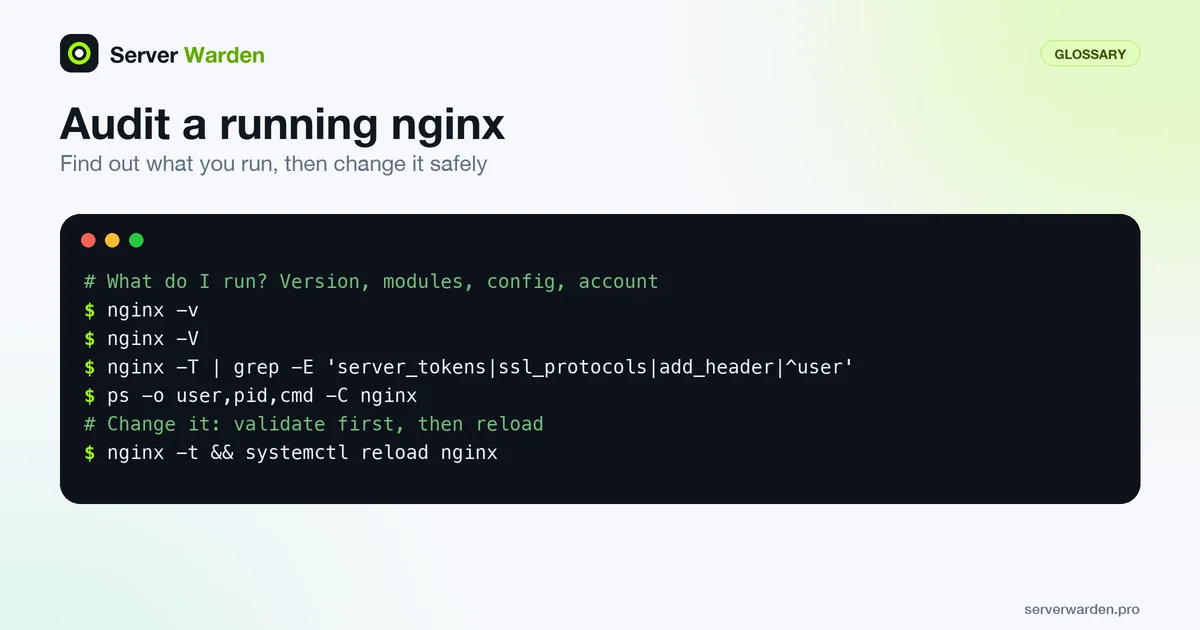
Start by finding out what you actually have. The command line switches answer most of it:
nginx -v
nginx -V
nginx -T | grep -E 'server_tokens|ssl_protocols|add_header|^user'
ps -o user,pid,cmd -C nginx
-v prints the version, -V adds the compiler version and the configure parameters (which modules were built in), and -T tests the configuration and dumps every included file, so one grep covers all your includes. The last command shows which account runs the processes. The user directive sets the credentials of worker processes and defaults to nobody if you never set it, per the core module reference. Workers should run as an unprivileged account that owns nothing sensitive. The master process commonly stays root so it can bind ports 80 and 443.
Look at the version too. Compare it with the fixed versions on the nginx security advisories page, which lists affected and not-vulnerable ranges for each issue. For a recent real example, read the NGINX Rift write-up.
Staying current without downtime
nginx.org publishes two package branches. On its Linux packages page, stable is the default repository on every platform and mainline is the option for people who want the newest code. Distribution repositories are a third source, so check which repository your installed package came from (on Debian and Ubuntu, apt policy nginx shows it) before you assume an advisory fix has reached you. On Debian and Ubuntu the nginx.org instructions also suggest an apt pin so nginx.org packages take priority over distribution ones.
Configuration changes and upgrades should not drop connections. Always validate first, then reload:
nginx -t && systemctl reload nginxOn reload, the master process checks syntax and tries to apply the new configuration. If that fails it rolls back and keeps running the old one. If it succeeds, new workers start and old workers finish serving their existing clients before they exit, as the nginx control documentation describes. Keep your configuration in version control so a bad change is a revert, not an investigation. Fold nginx into your regular patch routine, and use the hardening guide for TLS, headers and limits.
Related terms: TLS / SSL, Security headers, server_tokens, WAF, limit_req, ssl_protocols, Reverse proxy, HSTS, CORS (cross-origin resource sharing).
In the news: NGINX Rift (CVE-2026-42945) is a critical, 18-year-old buffer overflow in the rewrite module, fixed in nginx 1.30.1 and 1.31.0.
Frequently asked questions
Is nginx inherently more or less secure than other web servers?
Security depends far more on configuration than on the choice of web server itself; nginx is widely used and well documented, which makes secure configuration comparatively easy to get right.
Does nginx handle TLS/SSL directly?
Yes, nginx is commonly configured to terminate TLS itself, handling encryption and certificate validation before passing plain traffic to the application behind it.
What is one quick win for hardening a default nginx install?
Disabling server_tokens and adding the standard security headers, both of which take minutes to configure and meaningfully reduce the information exposed to an attacker.
How do I check which nginx version and modules I am running?
Run nginx -v for the version and nginx -V for the version plus compiler and configure parameters, which show the modules built in. Compare the version with the nginx security advisories page.
Is it safe to reload nginx on a live server?
Yes, if you validate first with nginx -t. On reload, nginx keeps the old configuration if the new one fails, and when it succeeds the old workers finish their current clients before exiting, so connections are not dropped.
Want to see where your own server stands?
Run the free, read-only server check, or open the Security Lab and watch the detect, contain, recover, verify loop in action.
Get your free server checkOpen the Security Lab